On day one, you connect.
Sebastian sets it up with you.Your mailboxes, calendar, chats and voice notes, each through its own secure sign-in. Sebastian walks you through it himself, so there is nothing to configure alone.
- Microsoft 365 mail
- Calendar
- Teams chat
- Telegram
- Voice notes
Overnight, PILOT reads it all,
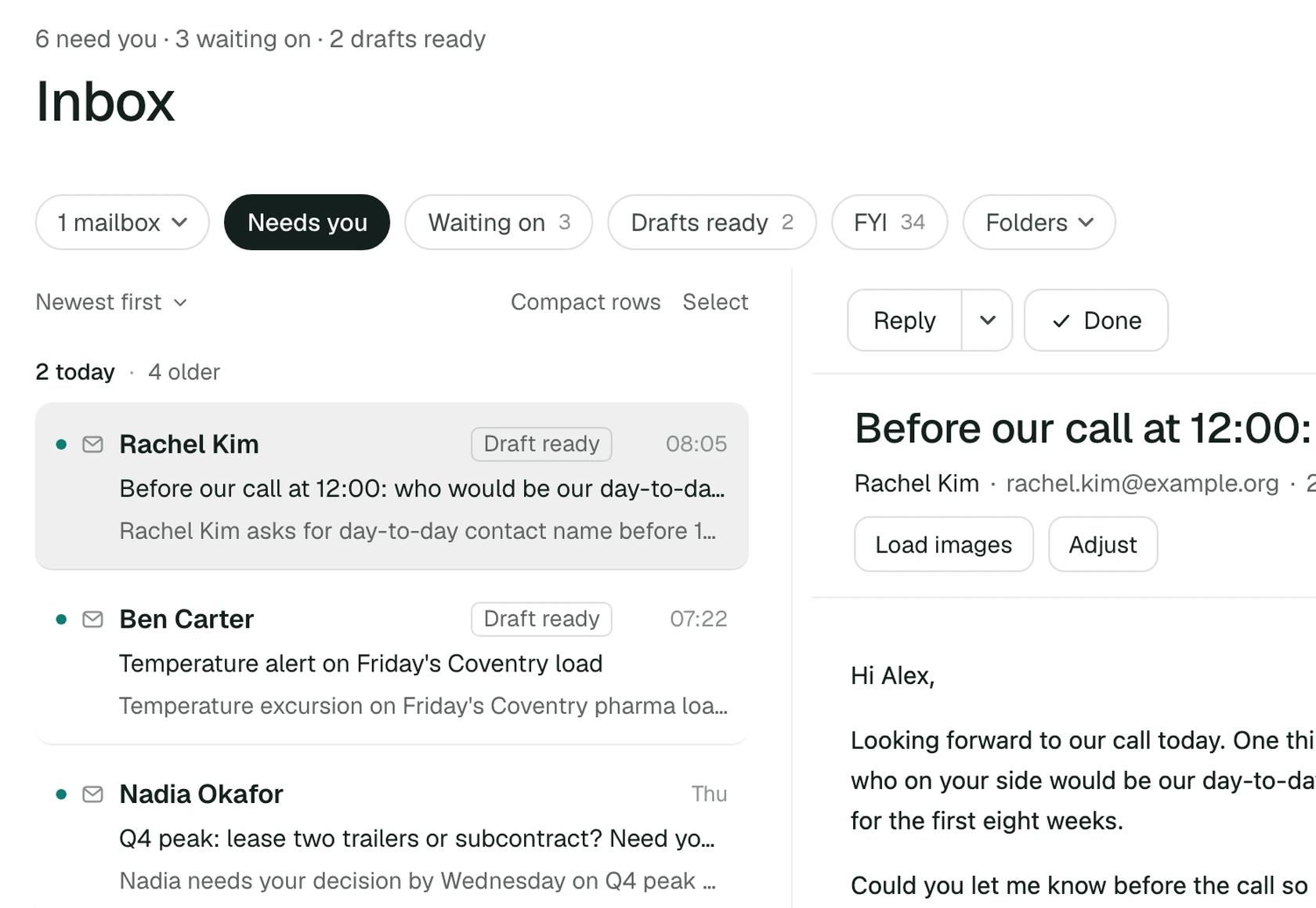
and sorts it.By morning, what needs you is on top and the rest is filed. Rachel asked who the day-to-day contact will be; the reply is already drafted.
All day, it holds what you
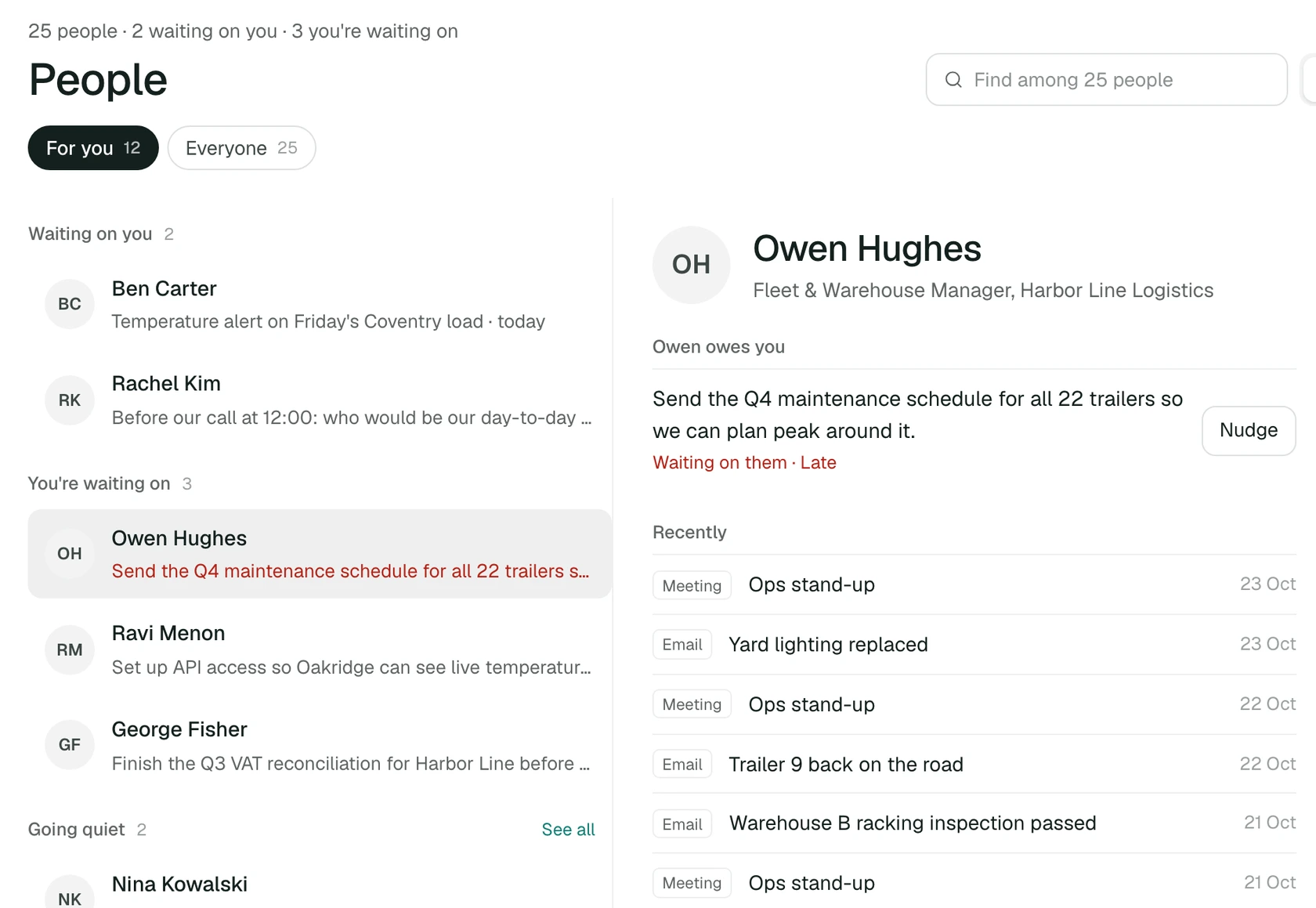
would otherwise carry.Who owes you what, and what you owe them. Who you have gone quiet on. Owen's maintenance schedule is late, and PILOT noticed before you had to remember.
Every project,
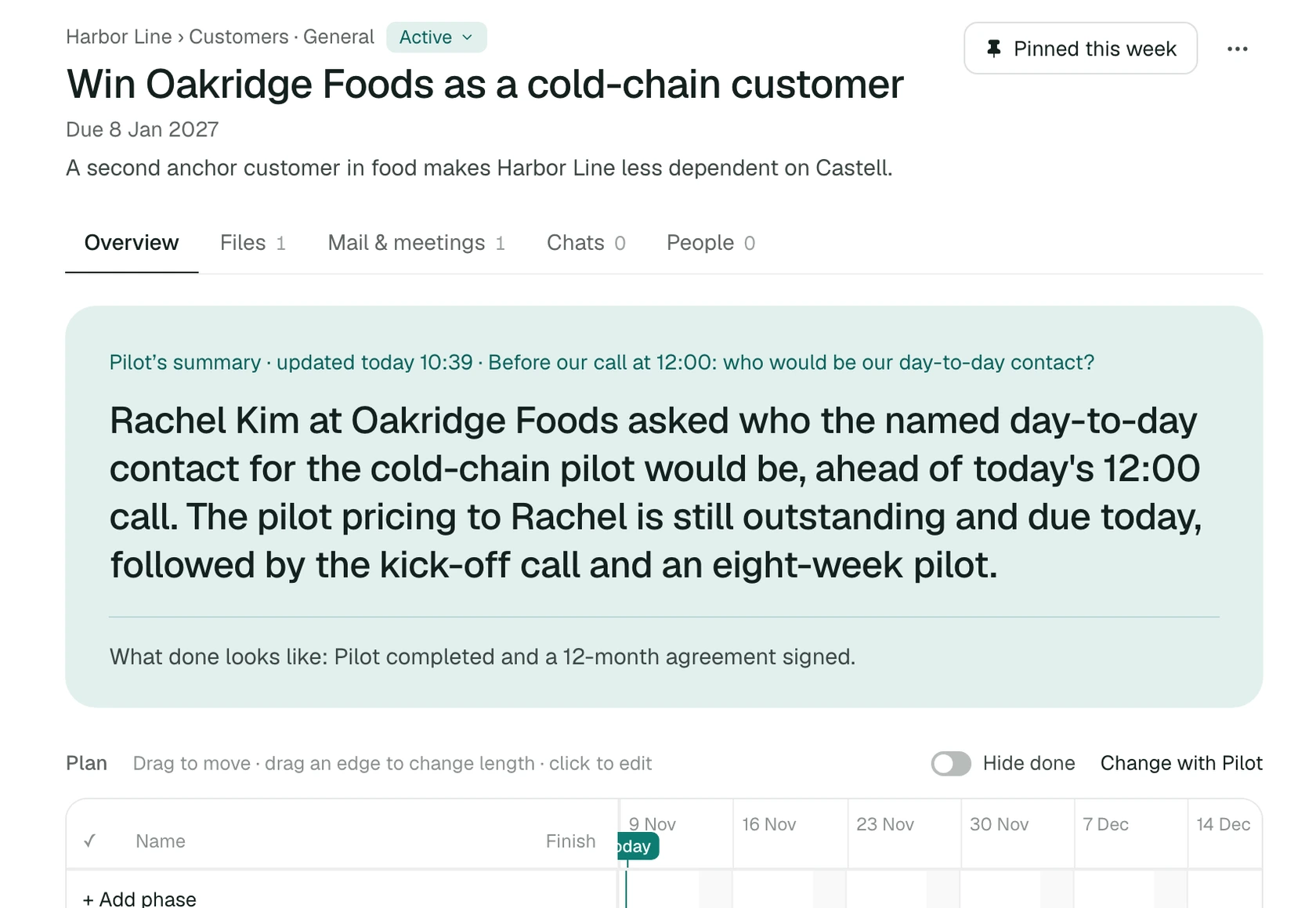
where it stands.Open one and PILOT's summary is waiting: what happened, what is next, and what done looks like. The mail, meetings and files sit beside it.
At 7:00, one move.
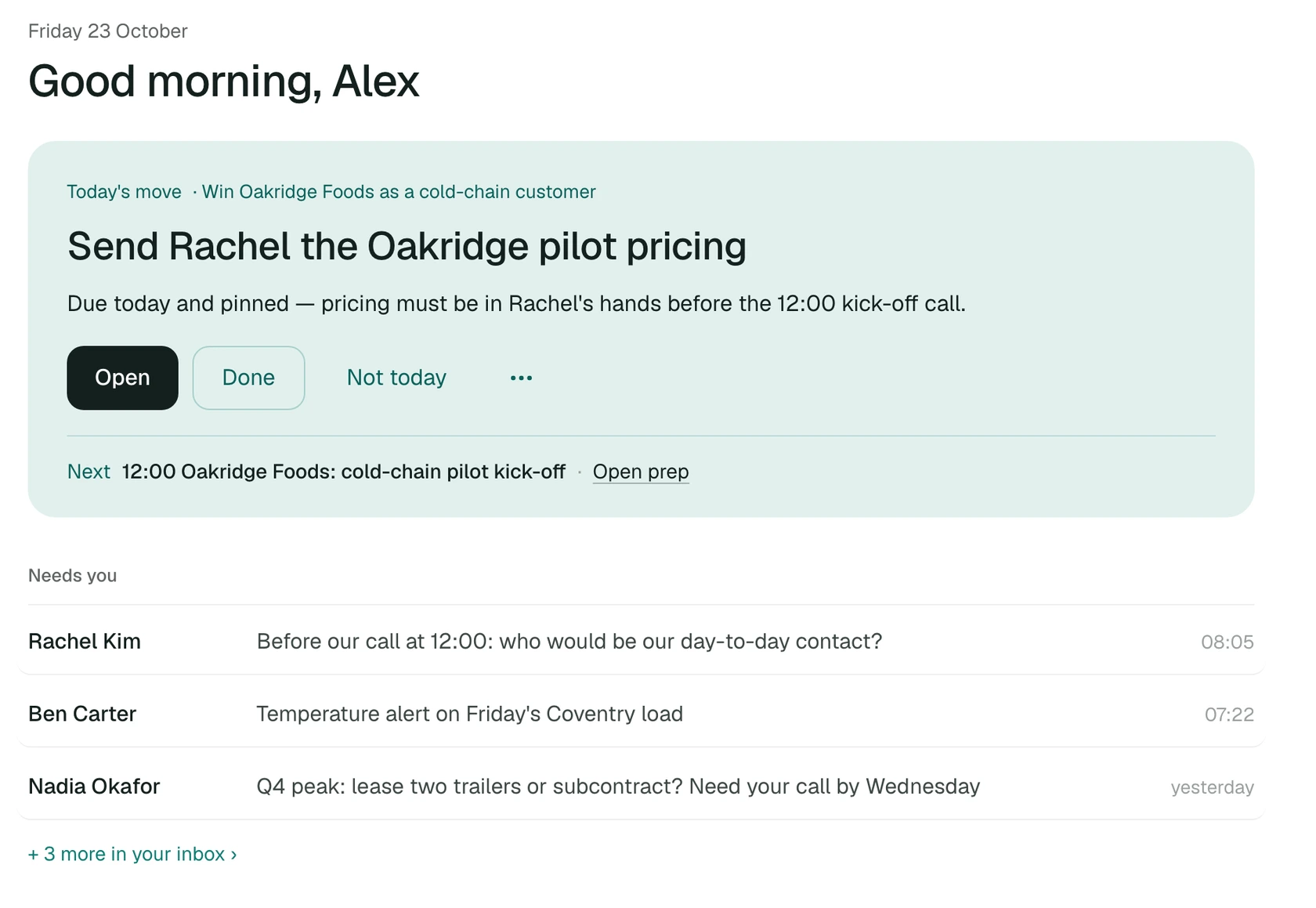
And your yes.Every morning starts with the one thing that matters, then the few that need you. Every email or message PILOT drafts waits until you say yes.
A limited number of private clients.
Onboarded personally.
- 7:00One move. Everything else stays tracked.
- Where it standsEvery project, with PILOT's summary and the next step.
- Your yesNothing is sent until you say so.